
Best Free AI Tools in 2026: 25 Actually Useful Apps for Writing, Images, Video, Research, Study, and Work
Free AI tools are no longer just small demos. Many now help with real work: writing emails, summarizing PDFs, creating images, editing videos, making presentations, generating voiceovers, cleaning grammar, researching topics, and planning business tasks. The only catch is that most free plans come with usage limits, credits, watermarks, slower access, or fewer advanced models.
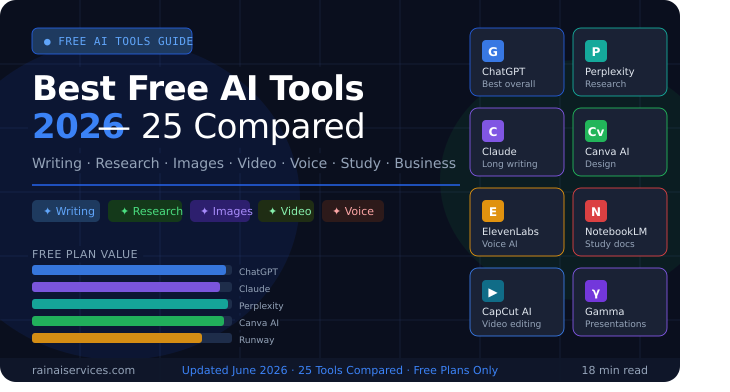
Featured image placeholder: replace this with your final blog cover image.
Table of Contents
Quick Answer: What Are the Best Free AI Tools in 2026?
The best free AI tools in 2026 are ChatGPT, Google Gemini, Claude, Microsoft Copilot, Perplexity, NotebookLM, Canva AI, Adobe Firefly, CapCut, Runway, ElevenLabs, Grammarly, DeepL Write, Gamma, Ideogram, Leonardo AI, Poe, Otter, Tactiq, and Zapier AI.
The right choice depends on what you need: ChatGPT and Claude are best for writing and reasoning, Perplexity is best for research, Canva is best for design, CapCut is best for short videos, and NotebookLM is best for studying your own documents.
This guide compares the best free AI tools in 2026 by use case, free-plan value, beginner-friendliness, and practical output quality.
How We Chose These Free AI Tools
To avoid another generic list, this guide focuses on tools that meet at least three of these conditions:
- 1They have a real free plan or free-start option.
- 2They are useful for everyday work, study, content creation, or business.
- 3They are easy enough for beginners.
- 4They solve a specific problem better than a general chatbot.
- 5They are still active and relevant in 2026.
- 6They can be used without needing advanced technical knowledge.
Important note: “Free” does not always mean unlimited. Some tools offer daily limits, monthly credits, free trials, watermarked exports, or limited access to premium AI models. Always check the current pricing page before using a tool for client or commercial work.
Best Free AI Tools 2026: Quick Comparison Table
| Tool | Best For | Free Plan Value | Beginner Friendly? | Main Limitation |
|---|---|---|---|---|
| ChatGPT | Writing, ideas, coding, analysis | Very high | Yes | Usage limits on advanced features |
| Google Gemini | Google-style assistant, writing, planning | High | Yes | Best features may depend on region/account |
| Claude | Long writing, documents, coding, reasoning | Very high | Yes | Free usage can be limited |
| Microsoft Copilot | Everyday AI assistant, web, Microsoft users | High | Yes | Microsoft 365 features may need subscription |
| Perplexity | Research with sources | Very high | Yes | Deep research/pro search may be limited |
| NotebookLM | Studying documents and notes | Very high | Yes | Best when you upload good source material |
| Canva AI | Designs, social posts, presentations | Very high | Yes | Some templates/assets/features are paid |
| Adobe Firefly | AI image generation and creative edits | High | Yes | Credit-based usage |
| CapCut AI | Short videos, captions, social editing | High | Yes | Some exports/features may be paid or watermarked |
| Runway | AI video generation | Medium | Medium | Free credits are limited |
| ElevenLabs | AI voiceovers | High | Yes | Monthly character limits |
| Grammarly | Grammar, rewrites, tone | High | Yes | Advanced writing features may be paid |
| DeepL Write | Polished writing and rephrasing | High | Yes | Limited compared with Pro |
| Gamma | AI presentations | High | Yes | Credit-based and card limits |
| Ideogram | Text-based image generation | High | Yes | Free generations may be limited |
| Leonardo AI | Creative images and assets | High | Medium | Credit/token limits |
| Poe | Trying multiple AI models | Medium | Yes | Best models usually limited |
| Otter | Meeting notes and transcription | Medium | Yes | Free minutes are limited |
| Tactiq | Meeting summaries | Medium | Yes | Usage limits |
| Zapier AI | Automation ideas and workflows | Medium | Medium | Advanced automation needs paid plans |
Best Free AI Tools Reviewed
1. ChatGPT — Best Free AI Tool Overall
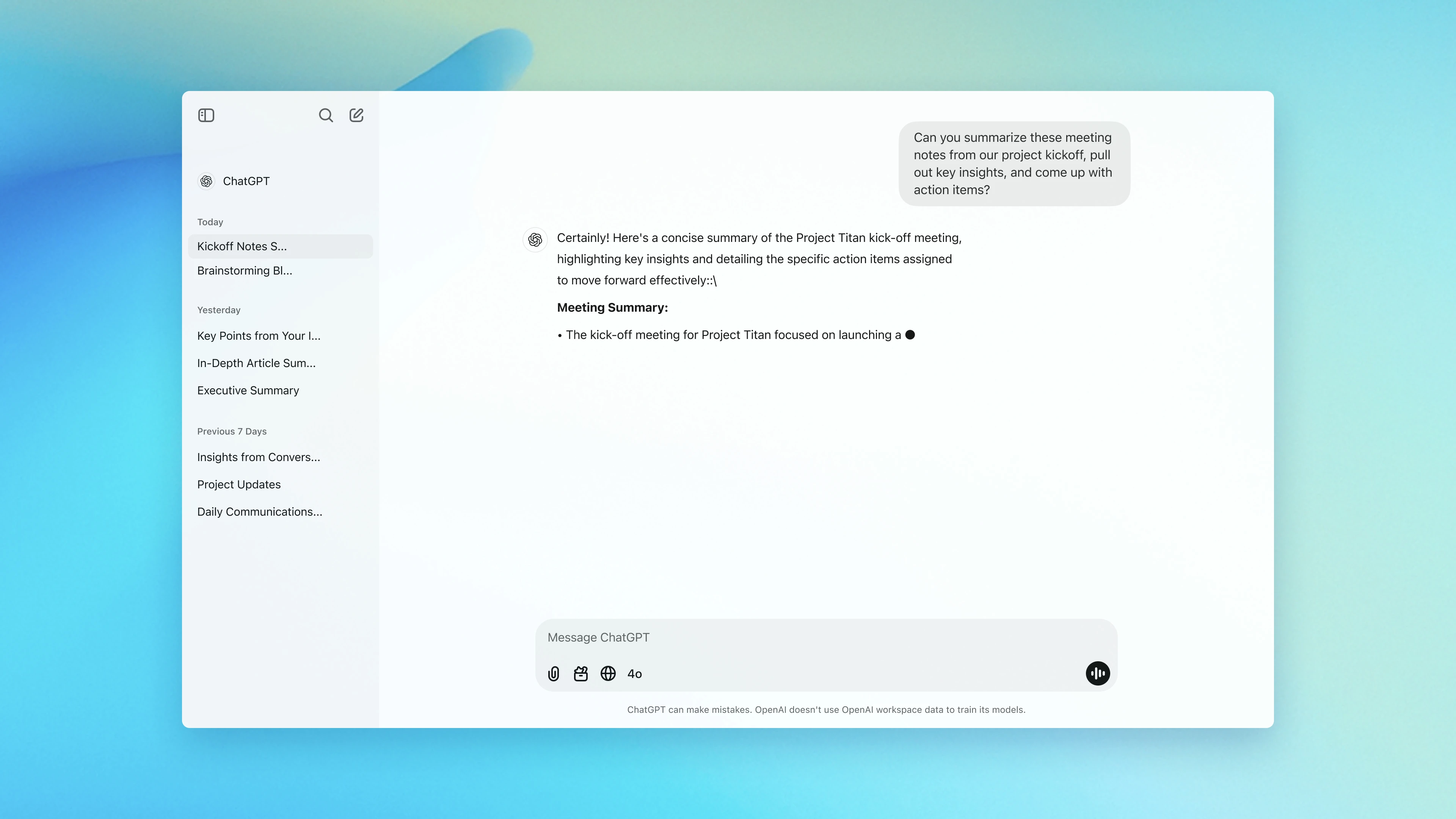
ChatGPT is still one of the best free AI tools in 2026 because it works across many tasks: writing, brainstorming, coding, summarizing, planning, spreadsheet logic, content outlines, business ideas, interview prep, and customer-support drafts.
Best free uses
- Blog outlines and first drafts
- Email writing
- SEO content briefs
- Coding help
- Data explanation
- Social media captions
- Resume improvement
- Learning difficult topics
- Business planning
Free-plan limitation
The free plan usually has usage limits, especially for advanced models, file uploads, image generation, deep research, or heavy conversations. For casual work, the free plan is still enough for many users.
Why it stands out
ChatGPT is a strong “all-purpose” AI tool. If you do not know which AI app to start with, start here. It can help you think through a problem, rewrite content, compare options, and generate structured outputs like tables, checklists, and templates.
“Act as a senior content strategist. Create a detailed outline for an article on [topic], including search intent, target audience, H2/H3 headings, FAQs, comparison tables, and a short answer box.”
2. Google Gemini — Best Free AI Tool for Google Users
Google Gemini is a strong free AI assistant for writing, planning, brainstorming, learning, and general productivity. It is especially useful if your workflow already involves Google Search, Google Docs, Gmail, or Android.
Best free uses
- Research starting points
- Writing and rewriting
- Brainstorming
- Study explanations
- Travel planning
- Simple coding help
- Google-style answers
Free-plan limitation
Some advanced features, higher usage, longer context, or premium models may require a paid Google AI plan depending on your location and account type.
Why it stands out
Gemini is useful for users who prefer Google’s ecosystem. It can help draft content, explain topics, summarize ideas, and generate plans. It is also a good alternative when you want to compare outputs from multiple AI assistants.
“Explain [topic] like I am a beginner, then give me a practical example, a checklist, and common mistakes to avoid.”
3. Claude — Best Free AI Tool for Long Writing and Reasoning
Claude is one of the best free AI tools for people who write long documents, analyze complex ideas, summarize uploaded material, or need clean, natural writing.
Best free uses
- Long-form article drafting
- Document summarization
- Editing tone and clarity
- Code generation
- Complex reasoning
- Rewriting content in a natural voice
- Analyzing text and images
Free-plan limitation
Free users may face usage limits, especially during high-demand times or when using advanced features.
Why it stands out
Claude is very good at producing polished, human-sounding text. It is useful for blog writers, students, marketers, founders, and professionals who want thoughtful answers instead of short generic responses.
“Rewrite this article section in a clear, helpful, human tone. Keep the meaning, improve the flow, remove fluff, and make it useful for beginners.”
4. Microsoft Copilot — Best Free AI Assistant for Everyday Productivity
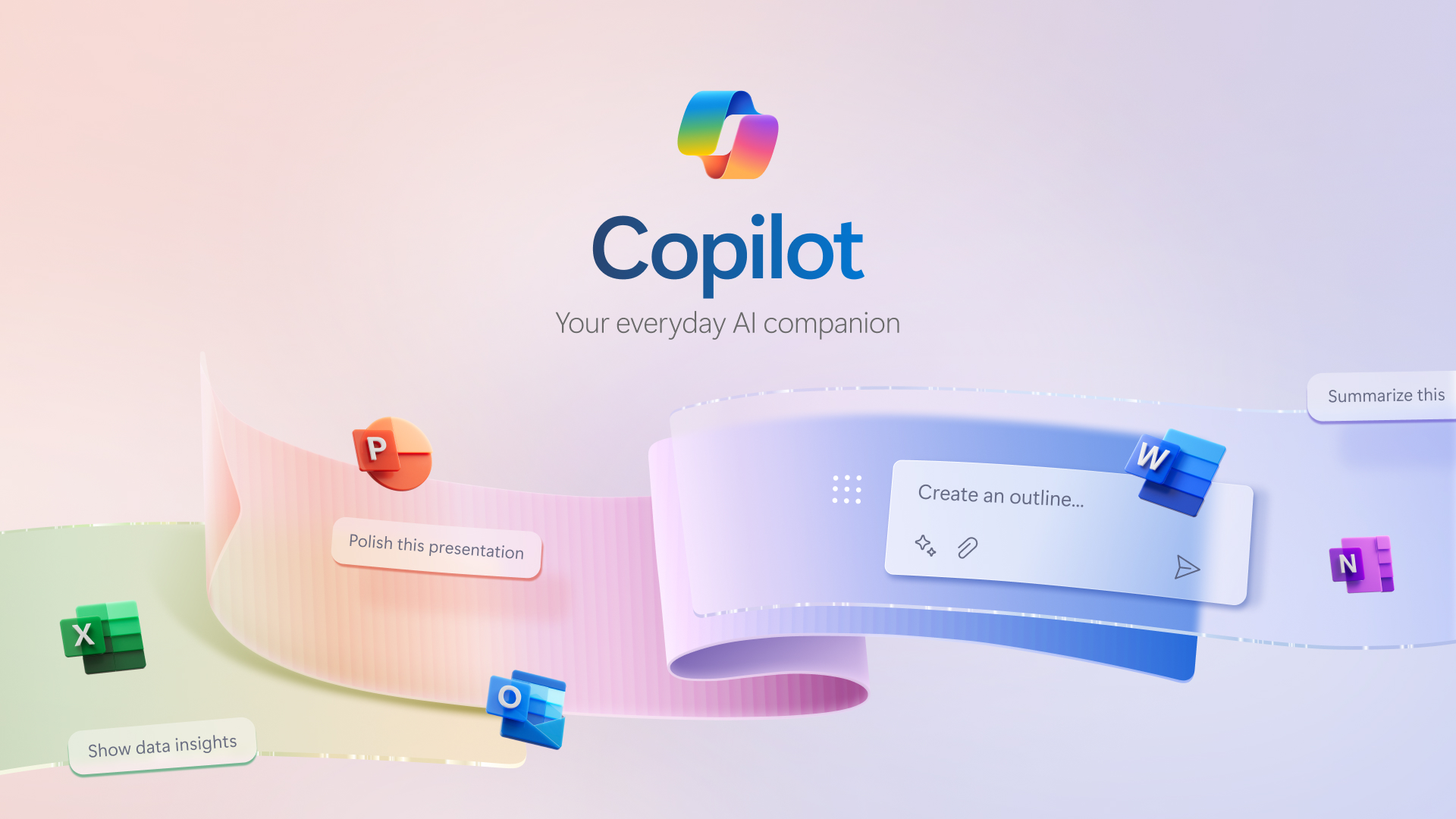
Microsoft Copilot is a free AI companion available online and on mobile. It is useful for quick answers, writing help, planning, learning, and productivity tasks.
Best free uses
- Quick web-based answers
- Everyday planning
- Writing assistance
- Study help
- Simple image ideas
- Microsoft ecosystem support
Free-plan limitation
Copilot itself is free for general use, but deeper integration with Word, Excel, Outlook, Teams, and other Microsoft 365 apps may require a paid Microsoft 365 plan.
Why it stands out
Copilot is easy to access and useful for people who already use Microsoft products. It can answer questions, help draft content, explain topics, and assist with daily tasks.
“Create a simple weekly productivity plan for me based on these tasks: [paste tasks]. Prioritize urgent work first.”
5. Perplexity — Best Free AI Tool for Research With Sources
Perplexity is one of the best free AI research tools because it focuses on answers backed by sources. It is useful when you want to research news, tools, statistics, trends, definitions, or comparisons.
Best free uses
- Researching current topics
- Finding sources
- Comparing products
- Understanding trends
- Getting quick summaries with references
- Starting article research
Free-plan limitation
Advanced search modes, deeper research, or access to premium models may be limited on the free plan.
Why it stands out
Unlike a normal chatbot, Perplexity is built like an AI answer engine. It is helpful when you need citations, updated information, or a starting point for research.
“Find the latest reliable sources about [topic]. Summarize the key points and separate confirmed facts from opinions.”
6. Google NotebookLM — Best Free AI Tool for Students and Document Research
NotebookLM is excellent for studying your own documents. You can upload notes, PDFs, reports, or study material and ask questions based on those sources.
Best free uses
- Summarizing PDFs
- Studying lecture notes
- Creating revision guides
- Asking questions from your own documents
- Preparing FAQs from a report
- Understanding long research papers
Free-plan limitation
Its output depends heavily on the quality of your uploaded sources. If your source material is weak, outdated, or incomplete, the answers will also be limited.
Why it stands out
NotebookLM is source-grounded. That means it is best when you want answers from your own material rather than random web information.
“Create a study guide from these notes with key concepts, definitions, examples, possible exam questions, and a quick revision checklist.”
7. Canva AI — Best Free AI Tool for Design and Social Media
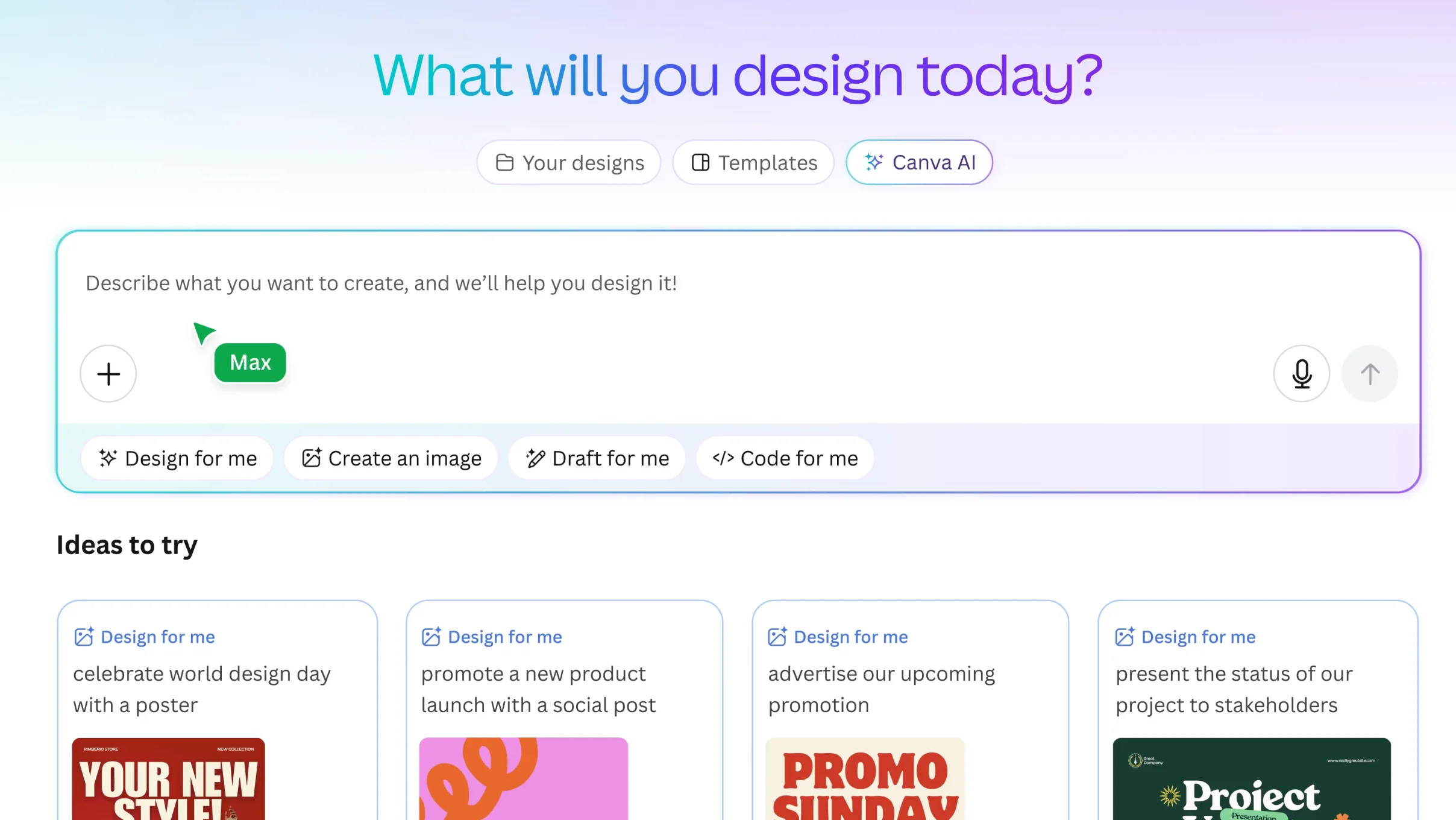
Canva AI is one of the most useful free AI tools for creators, bloggers, marketers, students, and small businesses. It helps with design, social posts, presentations, image editing, and visual content.
Best free uses
- Blog featured images
- Instagram posts
- YouTube thumbnails
- Presentations
- Posters
- Brand kits
- Simple AI image editing
- Social media templates
Free-plan limitation
Some premium templates, stock images, brand tools, background remover features, or advanced AI tools may need Canva Pro.
Why it stands out
Canva is beginner-friendly. You do not need design skills to create professional-looking graphics. Its AI features are useful because they are built directly into a design editor.
“Create a clean editorial blog cover for an article titled [title]. Use a modern SaaS style, minimal layout, soft gradient background, and no clutter.”
8. Adobe Firefly — Best Free AI Tool for Safe Creative Image Generation
Adobe Firefly is a strong choice for AI image generation, creative edits, and design workflows. It is especially useful for people who care about brand safety and commercial-friendly creative work.
Best free uses
- Text-to-image generation
- Generative fill
- Creative backgrounds
- Product mockups
- Image variations
- Design inspiration
Free-plan limitation
Firefly uses generative credits. Free users get limited credits, and heavy image/video generation may require a paid plan.
Why it stands out
Firefly is designed for creative professionals and integrates well with Adobe’s ecosystem. It is useful for designers, marketers, content creators, and small businesses.
“Create a clean 16:9 blog cover showing a modern AI workspace, soft lighting, minimal UI cards, and a professional editorial style.”
9. CapCut AI — Best Free AI Tool for Short Video Editing
CapCut is one of the most popular free AI tools for video creators. It helps with captions, templates, background removal, text-to-speech, effects, and quick social video editing.
Best free uses
- TikTok videos
- Instagram Reels
- YouTube Shorts
- Auto captions
- AI voiceovers
- Video templates
- Background removal
- Quick edits
Free-plan limitation
Some effects, templates, cloud features, and exports may require paid access. Always check whether your export includes a watermark.
Why it stands out
CapCut is simple, fast, and built for social media. If you create short-form video content, it is one of the easiest free tools to start with.
“Create a 30-second script for a short video about [topic] with a strong hook, three quick points, and a call to action.”
10. Runway — Best Free AI Tool for Testing AI Video Generation
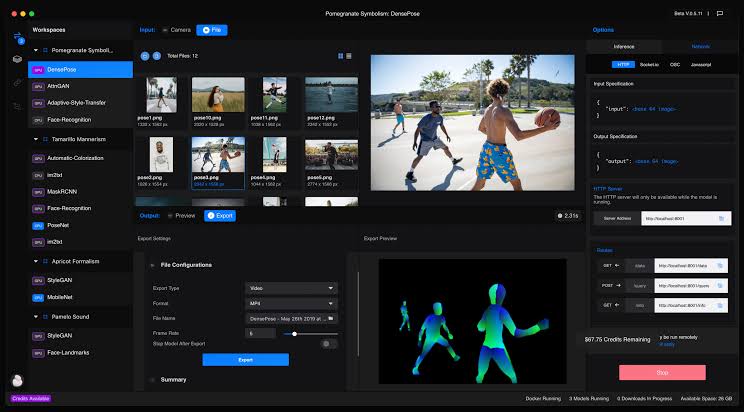
Runway is a powerful AI video generation and editing platform. It is not the most unlimited free tool, but it is one of the best for testing high-quality AI video capabilities.
Best free uses
- Image-to-video tests
- Short AI video clips
- Creative video experiments
- Visual storytelling
- Motion concepts
- AI video research
Free-plan limitation
The free plan is credit-based. Once your free credits are used, you need a paid plan for more serious video generation.
Why it stands out
Runway is known for advanced AI video models. It is useful for creators, agencies, filmmakers, and marketers who want to understand what AI video can do before paying.
“Create a cinematic 5-second video of a futuristic workspace with soft camera movement, realistic lighting, and a premium technology mood.”
11. ElevenLabs — Best Free AI Tool for Voiceovers

ElevenLabs is one of the best AI voice tools for creators who need realistic text-to-speech. It can be used for videos, podcasts, explainers, learning content, and product demos.
Best free uses
- Short voiceovers
- YouTube narration
- Product videos
- Explainer clips
- Audiobook samples
- Podcast intros
Free-plan limitation
The free plan usually has a monthly character limit. Commercial usage rights and advanced voice cloning may require a paid plan.
Why it stands out
The voice quality is natural and expressive compared with many basic text-to-speech tools. It is useful for creators who want professional-sounding audio without recording their own voice.
“Rewrite this script for a natural voiceover. Keep sentences short, conversational, and easy to speak.”
12. Grammarly — Best Free AI Tool for Grammar and Writing Polish
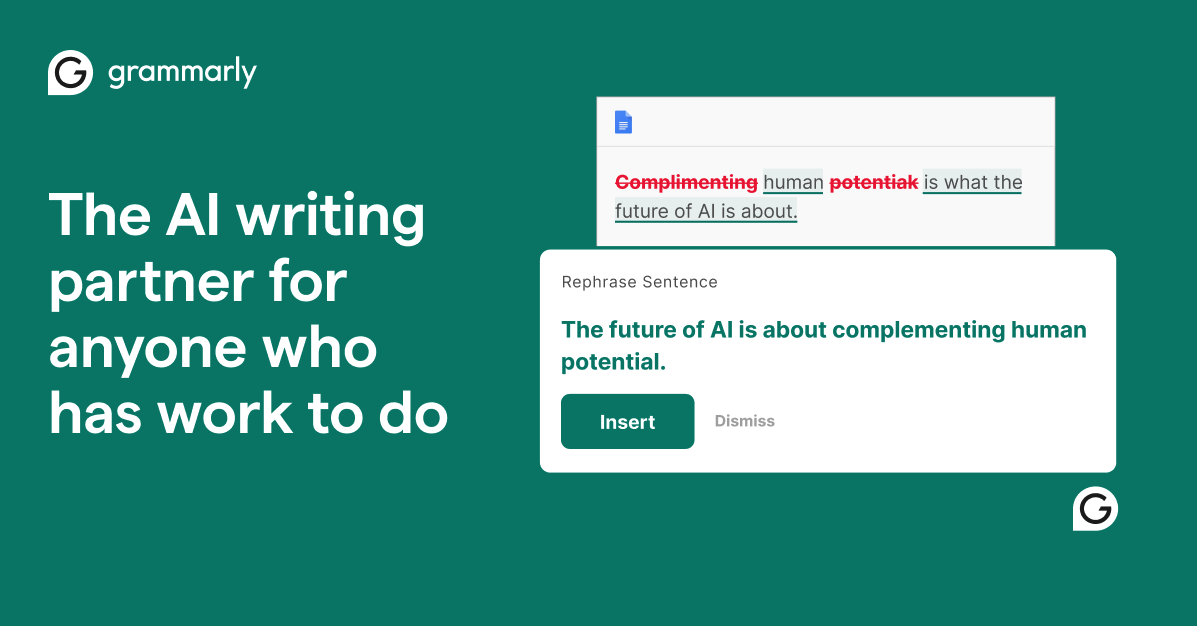
Grammarly is useful for fixing grammar, spelling, punctuation, clarity, and tone. It is not just for students; marketers, professionals, freelancers, and business owners can use it daily.
Best free uses
- Grammar correction
- Email polishing
- Blog editing
- Tone improvement
- Social caption cleanup
- Resume editing
Free-plan limitation
Advanced rewrites, deeper tone suggestions, and premium writing feedback may require a paid plan.
Why it stands out
Grammarly works inside browsers, writing apps, and everyday workflows. It is best for improving content you have already written.
“Improve this paragraph for clarity, grammar, and professional tone without changing the meaning.”
13. DeepL Write — Best Free AI Tool for Clear, Natural Rewriting
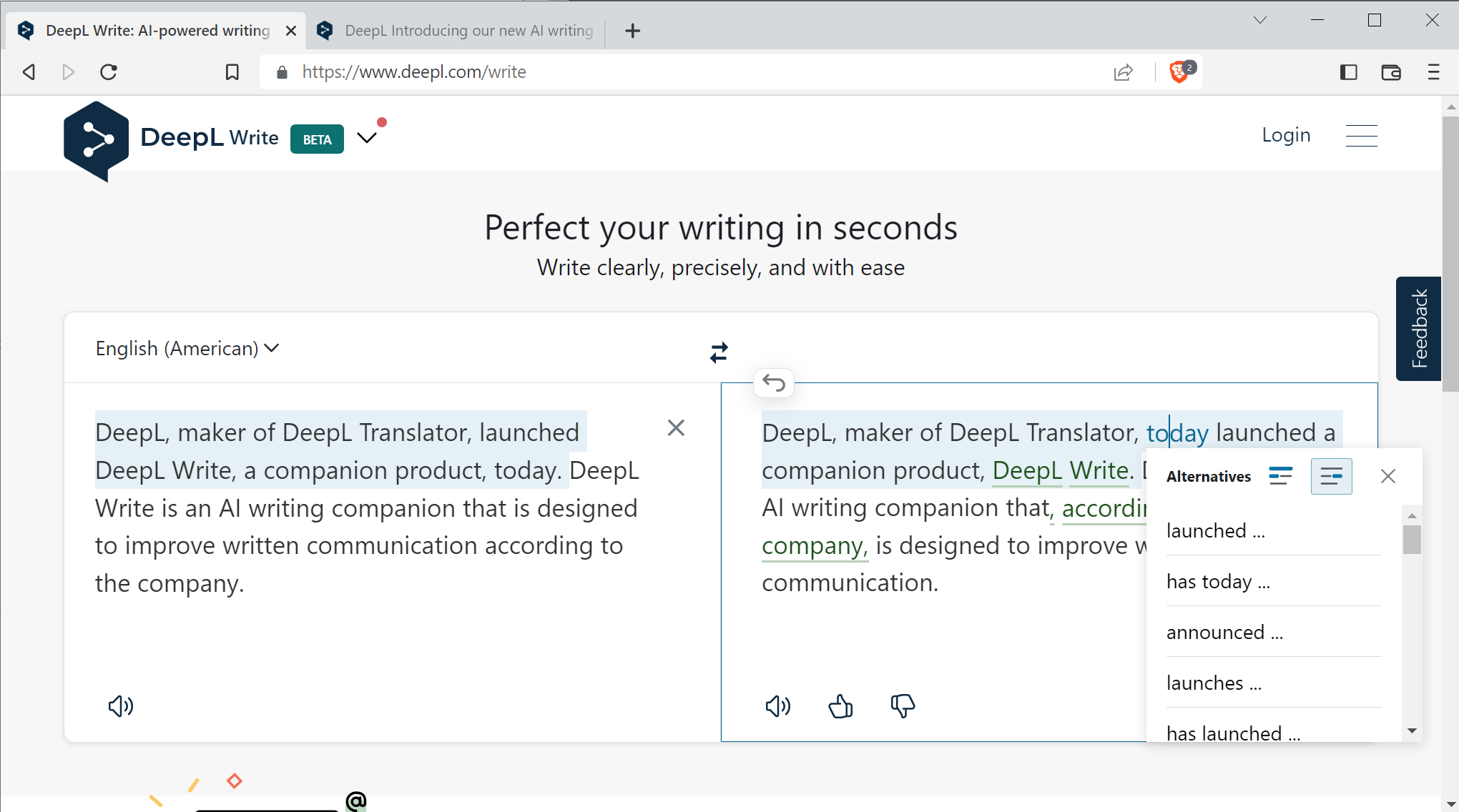
DeepL Write is excellent for improving sentence flow, grammar, tone, and clarity. It is especially helpful for non-native English writers who want content to sound natural.
Best free uses
- Rephrasing awkward sentences
- Improving professional tone
- Fixing grammar
- Making writing more fluent
- Simplifying complex lines
Free-plan limitation
Some advanced style controls, higher limits, and business features may require DeepL Pro.
Why it stands out
DeepL Write is focused. It does not try to do everything. It is best when you already have a draft and want to make it smoother.
Paste your paragraph and ask: “Make this sound more natural, clear, and professional.”
14. Gamma — Best Free AI Tool for Presentations
Gamma helps create presentations, documents, and visual pages from a prompt. It is useful for students, founders, marketers, teachers, and business teams.
Best free uses
- Pitch decks
- Class presentations
- Business proposals
- Course slides
- Report summaries
- Visual documents
Free-plan limitation
The free plan is credit-based, and larger decks or repeated generations may require upgrading.
Why it stands out
Gamma saves time when you need a clean presentation quickly. Instead of starting from a blank slide, you can generate a structured deck and then edit it.
“Create a 10-slide presentation on [topic] for beginners. Include title slides, key points, examples, and a final checklist.”
15. Ideogram — Best Free AI Tool for Images With Text
Ideogram is useful for AI images that include text, such as posters, logos, thumbnails, stickers, and typography-style designs.
Best free uses
- Poster ideas
- Logo concepts
- Text-based graphics
- Social media designs
- YouTube thumbnail concepts
- Typography art
Free-plan limitation
Free generations may be limited, and premium plans usually unlock faster queues, more generations, or private creation.
Why it stands out
Many AI image tools struggle with readable text. Ideogram is known for handling text inside images better than many general image generators.
“Create a minimal poster with the text ‘AI Tools 2026’ in bold clean typography, futuristic but simple, 16:9 layout.”
16. Leonardo AI — Best Free AI Tool for Creative Assets
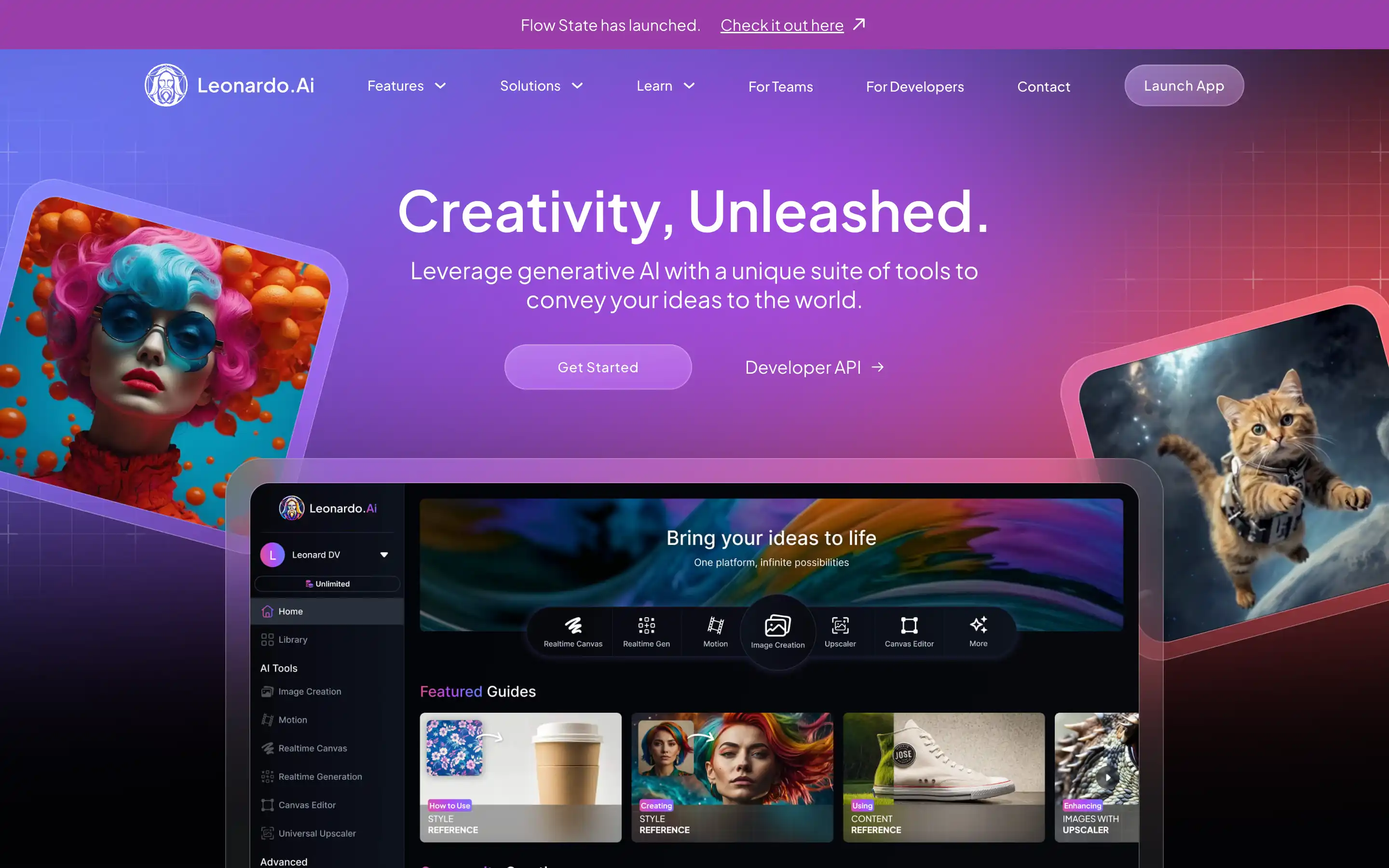
Leonardo AI is useful for generating images, characters, game assets, product visuals, and creative design concepts.
Best free uses
- AI art
- Character concepts
- Game assets
- Product backgrounds
- Blog illustrations
- Creative experiments
Free-plan limitation
Free usage is usually token or credit-based. Advanced features, private generations, or higher-quality outputs may require a paid plan.
Why it stands out
Leonardo is popular with creators who need more visual control than basic image generators provide.
“Create a clean product-style illustration of an AI dashboard on a laptop, modern lighting, minimal background, professional SaaS blog style.”
17. Poe — Best Free AI Tool for Trying Multiple AI Models
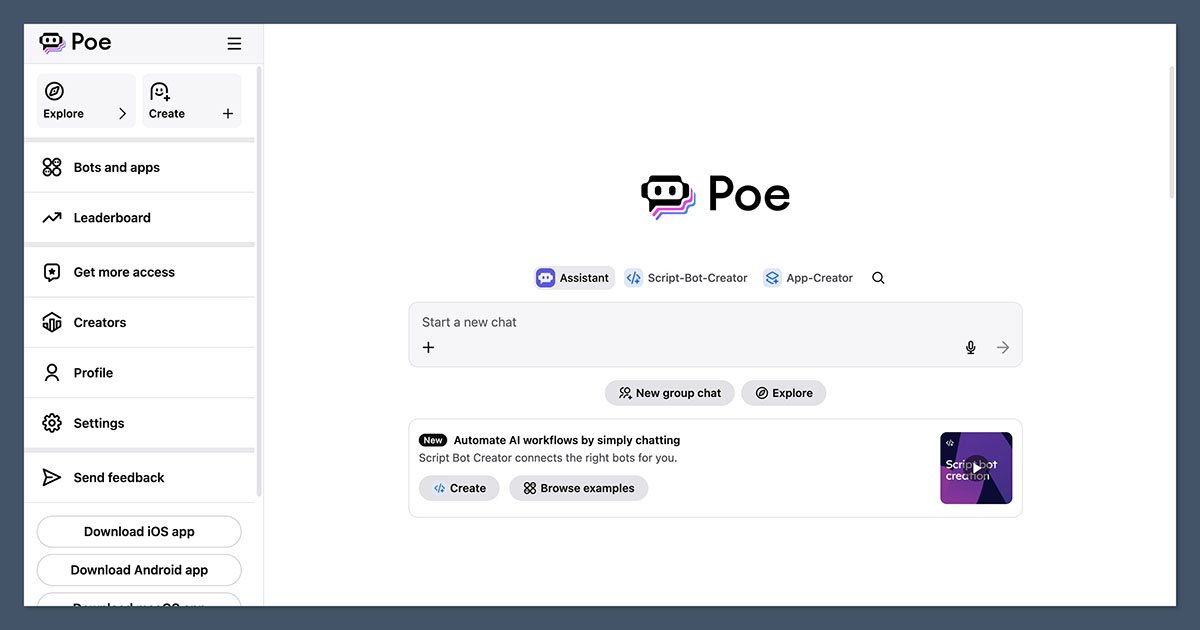
Poe lets users try different AI models in one place. It is useful when you want to compare responses from multiple models without switching between many apps.
Best free uses
- Testing different AI models
- Comparing answers
- Writing drafts
- Brainstorming
- Quick chatbot experiments
Free-plan limitation
Free users may have limited access to premium models or daily message limits.
Why it stands out
Poe is helpful for users who want variety. Some models are better for writing, some for coding, some for reasoning, and some for creative tasks.
“Give me three different angles for an article about [topic]: beginner, expert, and controversial.”
18. Otter — Best Free AI Tool for Meeting Notes
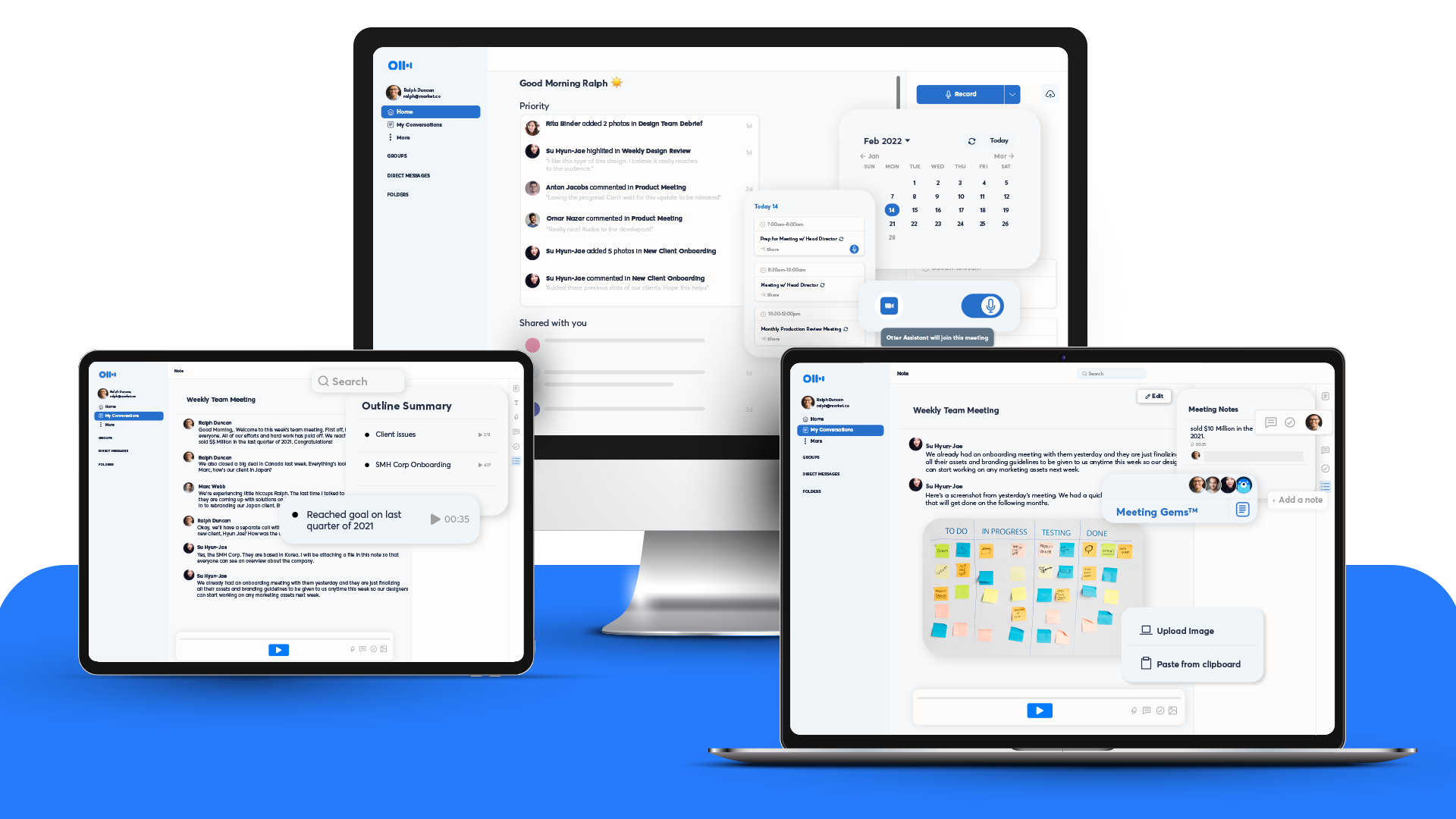
Otter helps transcribe meetings, lectures, interviews, and calls. It is useful for students, freelancers, journalists, and business teams.
Best free uses
- Meeting transcription
- Lecture notes
- Interview notes
- Summaries
- Action items
Free-plan limitation
Free transcription minutes are limited. Teams and heavy users may need a paid plan.
Why it stands out
Manual note-taking is slow. Otter helps capture discussions and turn them into searchable notes.
After transcription, ask your AI assistant: “Summarize this meeting into decisions, action items, owners, deadlines, and unresolved questions.”
19. Tactiq — Best Free AI Tool for Google Meet and Zoom Notes
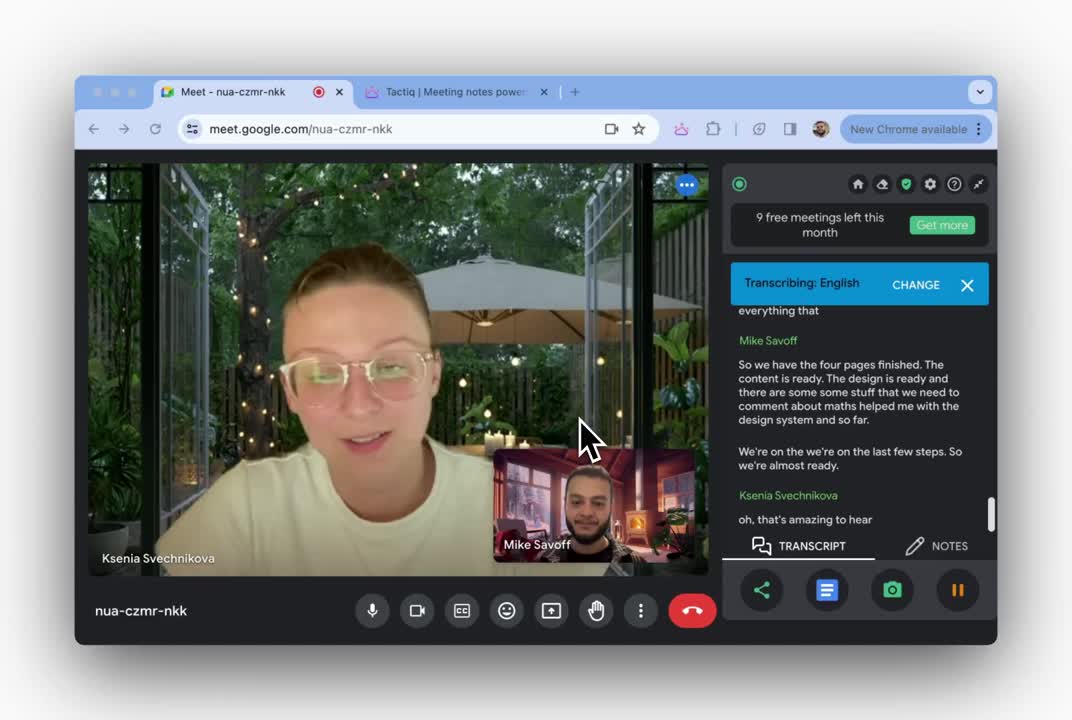
Tactiq is useful for capturing meeting transcripts and summaries from online meetings.
Best free uses
- Google Meet notes
- Zoom meeting summaries
- Action-item extraction
- Client call documentation
- Team discussion records
Free-plan limitation
Free usage is limited, and advanced summaries or integrations may require a paid plan.
Why it stands out
It is helpful for people who attend many meetings and need quick summaries without manually writing everything.
“Turn this meeting transcript into a client update email with key points, next steps, and pending approvals.”
20. Zapier AI — Best Free AI Tool for Automation Ideas
Zapier helps connect apps and automate workflows. Its AI features can help users create automations using plain language.
Best free uses
- Workflow ideas
- Simple app automations
- Lead routing
- Email alerts
- Spreadsheet updates
- CRM tasks
Free-plan limitation
The free plan is limited by task count, app access, and automation complexity.
Why it stands out
Zapier is best when you want AI to do something after a trigger, not just answer a question. For example, you can automate tasks between Gmail, Google Sheets, Slack, Notion, Trello, and hundreds of other apps.
“Create an automation idea for: when a lead fills a form, save it to Google Sheets, send me an email, and create a follow-up task.”
Best Free AI Tools by Category
Best Free AI Tools for Writing
| Tool | Best Use |
|---|---|
| ChatGPT | First drafts, outlines, SEO briefs |
| Claude | Long-form writing and natural tone |
| Grammarly | Grammar and clarity |
| DeepL Write | Rephrasing and fluent writing |
| Gemini | Brainstorming and quick writing help |
Best choice: Use ChatGPT or Claude for drafting. Use Grammarly or DeepL Write for polishing.
Best Free AI Tools for Research
| Tool | Best Use |
|---|---|
| Perplexity | Research with sources |
| NotebookLM | Research from your own files |
| Gemini | General research and explanations |
| Copilot | Everyday web-style answers |
| ChatGPT | Structuring research into content |
Best choice: Use Perplexity for web research and NotebookLM for your own documents.
Best Free AI Tools for Images
| Tool | Best Use |
|---|---|
| Canva AI | Blog covers and social graphics |
| Adobe Firefly | Creative AI images and edits |
| Ideogram | Text-based images |
| Leonardo AI | Creative assets and art |
| ChatGPT | Image ideas and prompts |
Best choice: Use Canva for ready-to-publish designs. Use Firefly or Leonardo for creative generation. Use Ideogram when the image needs readable text.
Best Free AI Tools for Video
| Tool | Best Use |
|---|---|
| CapCut | Short videos and captions |
| Runway | AI video generation |
| Canva AI | Simple video designs |
| Adobe Firefly | Creative video/image generation features |
| ElevenLabs | Voiceovers for videos |
Best choice: Use CapCut for social videos and Runway for AI video experiments.
Best Free AI Tools for Students
| Tool | Best Use |
|---|---|
| NotebookLM | Study from notes and PDFs |
| ChatGPT | Explanations and practice questions |
| Gemini | Learning and planning |
| Claude | Summarizing long material |
| Grammarly | Assignment polishing |
Best choice: Use NotebookLM for source-based study and ChatGPT for explanations.
Best Free AI Tools for Business Owners
| Tool | Best Use |
|---|---|
| ChatGPT | Business plans, emails, strategy |
| Canva AI | Marketing graphics |
| Perplexity | Market research |
| Zapier AI | Workflow automation |
| Gamma | Pitch decks and proposals |
| Grammarly | Professional communication |
Best choice: Use ChatGPT, Canva, and Perplexity together. This combination covers writing, design, and research.
Best Free AI Tool Stack for Different Users
For Bloggers
ChatGPT for outlines, Perplexity for research, Canva AI for featured images, Grammarly for editing, and DeepL Write for polishing.
For YouTubers
ChatGPT for scripts, CapCut for editing, ElevenLabs for voiceovers, Canva for thumbnails, and Runway for AI video clips.
For Students
NotebookLM for study notes, Gemini for explanations, Claude for summaries, Grammarly for assignments, and Gamma for presentations.
For Freelancers
ChatGPT for proposals, Canva for portfolio visuals, Grammarly for client communication, Perplexity for research, and Zapier AI for workflow automation.
For Small Businesses
ChatGPT for marketing ideas, Canva for social posts, Gamma for pitch decks, Perplexity for competitor research, and Copilot for daily productivity.
How to Choose the Right Free AI Tool
Do not choose an AI tool only because it is popular. Choose based on your task.
Simple Selection Guide
| If you need writing | Start with ChatGPT or Claude. |
| If you need research | Use Perplexity or NotebookLM. |
| If you need social media graphics | Use Canva AI. |
| If you need image generation | Use Adobe Firefly, Ideogram, or Leonardo AI. |
| If you need short videos | Use CapCut. |
| If you need AI video generation | Try Runway. |
| If you need voiceovers | Use ElevenLabs. |
| If you need presentations | Use Gamma. |
| If you need grammar correction | Use Grammarly or DeepL Write. |
Free AI Tools: What to Watch Before Using Them
Free AI tools are useful, but they are not perfect. Before using them for serious work, check these points.
- 1Free limits: Many tools limit messages, credits, characters, exports, or video length.
- 2Watermarks: Some video and design tools may add watermarks on free exports.
- 3Commercial rights: If you are creating client work, check whether the free plan allows commercial usage.
- 4Privacy: Do not upload confidential business documents, private emails, financial records, medical data, or client files unless you understand the platform’s privacy policy.
- 5Accuracy: AI can make mistakes. Always fact-check statistics, legal information, medical advice, pricing, and product claims.
- 6Copyright and consent: Avoid using AI tools to copy someone’s exact style, clone voices without permission, generate fake identities, or create non-consensual images.
Best Free AI Tools 2026: Final Recommendations
If you only want five tools, start with these:
If you create content, add ElevenLabs for voiceovers and Grammarly for editing. If you work with presentations, add Gamma. If you want AI images, try Adobe Firefly, Ideogram, or Leonardo AI.
The best free AI tool in 2026 is not one single app. The best setup is a small stack: one chatbot, one research tool, one design tool, one editing tool, and one workflow tool.
FAQs About the Best Free AI Tools in 2026
Conclusion
The best free AI tools in 2026 can help you write faster, research better, design cleaner graphics, edit videos, create voiceovers, summarize documents, and automate simple workflows. But the smartest approach is not to use every tool. Build a small AI stack based on your daily work.
For most users, the best free AI stack is ChatGPT or Claude for writing and thinking, Perplexity for research, NotebookLM for documents, Canva AI for design, CapCut for video, Grammarly or DeepL Write for polishing, ElevenLabs for voiceovers, and Gamma for presentations.
Free AI tools are powerful, but they work best when you use them carefully, check facts, respect privacy, and understand their limits.
This guide is for educational and comparison purposes. Free-plan limits and features can change, so always check the official pricing and terms pages before using any tool for client or commercial work.