
Quick Verdict
AaryaEditz.org is useful for casual creators who want free Lightroom presets, CapCut templates, overlays, backgrounds, PNGs, and simple mobile editing resources. However, it is not a full editing app, and users should be careful with ads, download pages, unclear licensing, and third-party APK confusion.
If you have searched “aaryaeditz org”, you have probably seen it mentioned alongside Lightroom presets, CapCut templates, Snapseed edits, PNG overlays, and trending Instagram-style photo edits. The site attracts users who want quick editing resources without paying for premium preset packs or professional editing software.
This review explains what AaryaEditz.org offers, how it works, what type of users may benefit from it, and the safety details worth checking before you download anything. The goal is not to scare you away from the site, but to help you use it with the right expectations.
| Review Point | Details |
|---|---|
| Website Type | Photo and video editing resource hub |
| Main Resources | Lightroom presets, CapCut templates, overlays, PNGs, backgrounds, tutorials |
| Best For | Students, casual creators, Instagram editors, TikTok/Reels creators, mobile editing beginners |
| Not Best For | Professional commercial projects, agencies, paid client work, brand campaigns |
| Main Concern | Unclear licensing, ad-heavy browsing, APK confusion, and possible third-party download risks |
| Overall Verdict | Useful for personal editing practice, but use caution for downloads and commercial usage |
What Is AaryaEditz.org?
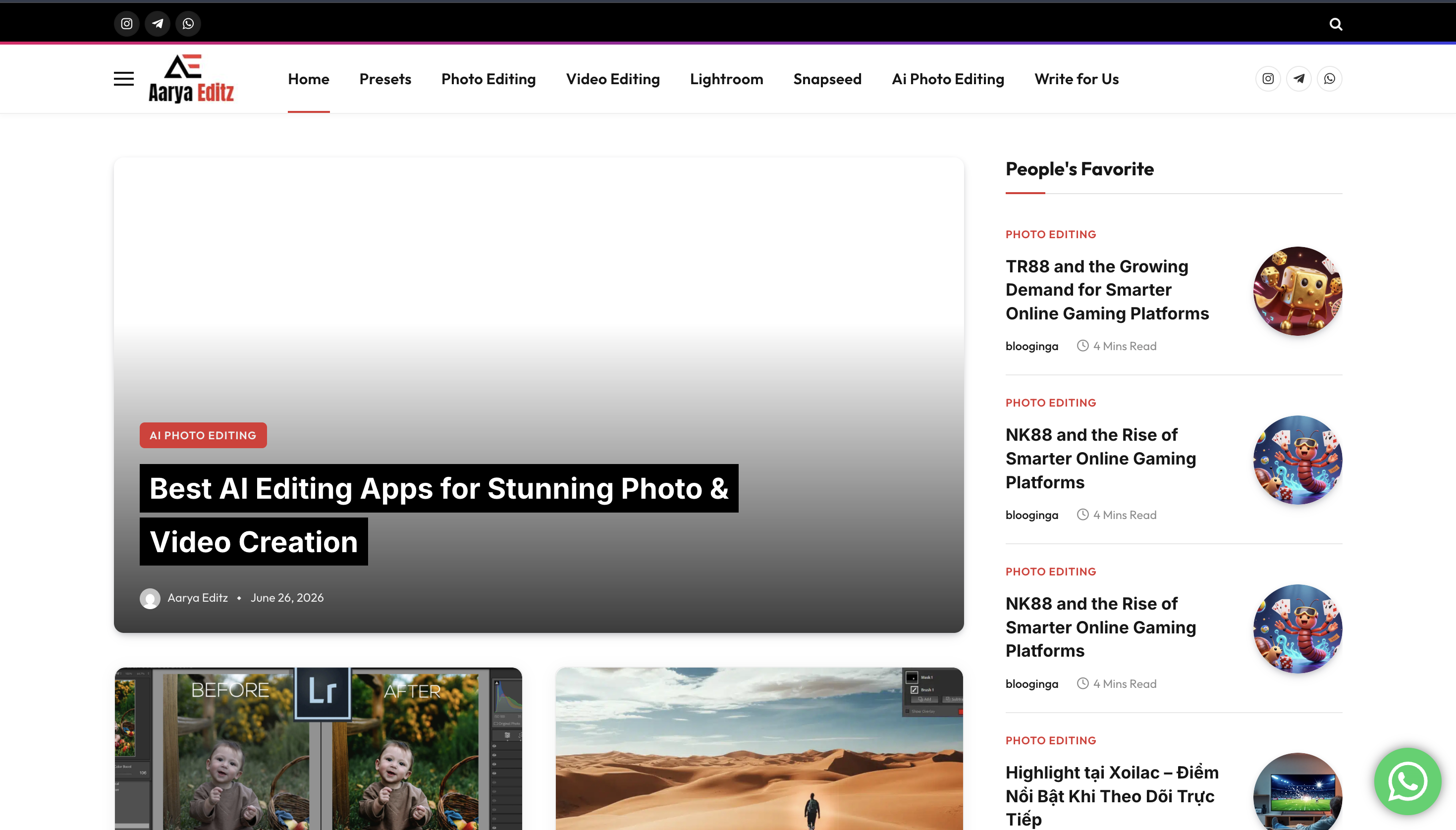
AaryaEditz.org is a free photo and video editing resource hub aimed mainly at mobile content creators. Instead of working like a built-in photo editor, the website acts more like a download library. Users visit the site to find editing assets, download them, and then import those files into apps they already use.
The most common resources connected with AaryaEditz.org include Lightroom presets, CapCut templates, Snapseed-compatible files, PNG overlays, background images, and tutorial-style editing posts. These are generally made for people who want fast visual effects without learning full manual editing from scratch.
In simple terms, AaryaEditz.org is not a replacement for Lightroom, Snapseed, PicsArt, VN Editor, Alight Motion, or CapCut. It is more like a support library for those apps.
AaryaEditz.org Website vs Aarya Editz APK
One important distinction worth clearing up is the difference between AaryaEditz.org and the Aarya Editz APK that appears on some third-party app listing websites.
AaryaEditz.org is the website people usually search for when they want presets, templates, overlays, and tutorials. The Aarya Editz APK, on the other hand, is usually described as a standalone Android photo editing app on third-party app download platforms. These two should not automatically be treated as the same product.
Simple difference: AaryaEditz.org is a preset and template website. Aarya Editz APK listings usually refer to an Android editing app. If you are looking for one and land on the other, the experience may feel confusing.
This distinction matters because APK downloads carry a different type of risk from normal preset files. A Lightroom preset or CapCut template is usually a data file. An APK is an Android app installation file, which can request permissions and run on your device. That is why users should be more cautious with APK files than with normal editing assets.
How AaryaEditz.org Works
Using the site is generally straightforward. Most users follow a simple process: browse a category, preview an asset, download the file, and import it into the relevant editing app.
- Browse by category: The site may organize resources into sections such as presets, CapCut templates, overlays, backgrounds, PNGs, and tutorials.
- Preview the asset: Many resources include a preview image or sample result so users can understand the editing style before downloading.
- Download the file: Presets may come as DNG, XMP, ZIP, or other compatible formats depending on the app.
- Import into your editing app: Lightroom presets go into Lightroom Mobile, Snapseed QR presets are used inside Snapseed, and templates may be imported into CapCut or other video editors.
A major reason people like these types of sites is speed. Instead of manually adjusting brightness, contrast, color balance, curves, saturation, shadows, highlights, and effects, users can apply a ready-made look in a few taps.
Key Features of AaryaEditz.org
1. Lightroom Presets
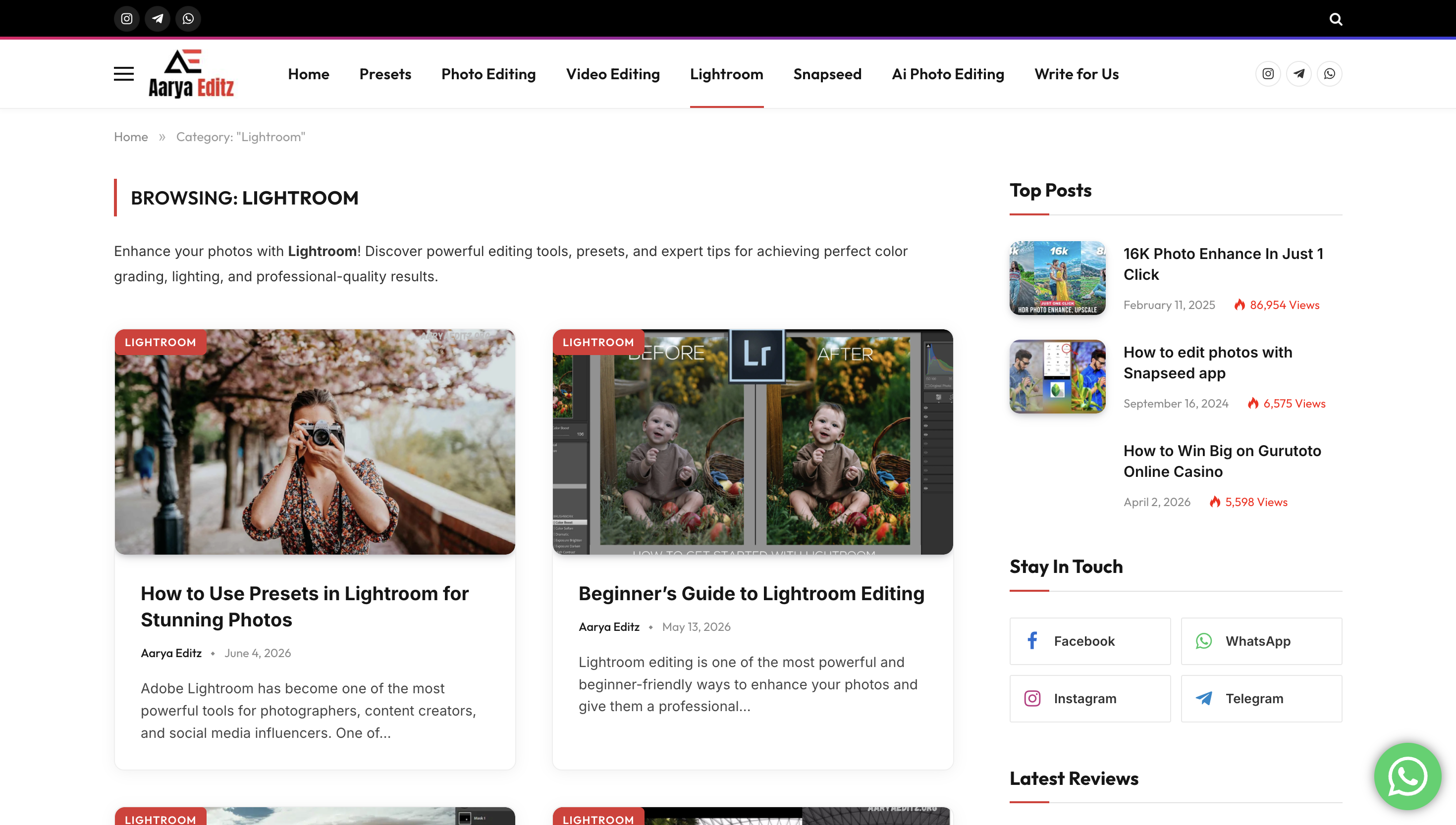
Lightroom presets are one of the main reasons users search for AaryaEditz.org. These presets can help create popular visual styles such as moody tones, cinematic edits, bright portrait looks, travel photography effects, dark contrast edits, and warm Instagram-style color grading.
For beginners, presets are helpful because they show how a final color style can be built. Even if the preset is not perfect, users can apply it and then adjust exposure, temperature, contrast, and skin tones manually.
2. CapCut Templates
CapCut templates are useful for short-form video creators who post on Instagram Reels, TikTok, YouTube Shorts, or similar platforms. These templates may include transitions, beat syncing, text animation, blur effects, velocity edits, and trending visual formats.
This is especially useful for users who want a polished video but do not want to build every effect from scratch.
3. Snapseed-Compatible Resources
Some mobile editors prefer Snapseed because it is simple, light, and beginner-friendly. AaryaEditz.org-style resources may include QR-based Snapseed presets or step-by-step instructions for recreating a particular edit.
4. PNG Overlays and Backgrounds
PNG overlays, HD backgrounds, light leaks, neon effects, smoke effects, glow elements, and cutouts can be useful for creative photo manipulation. These are usually imported into apps like PicsArt, Canva, PhotoRoom, or similar editors.
5. Beginner-Friendly Tutorials
Tutorial posts are useful for users who are still learning mobile editing. A good tutorial can explain which app to use, which file to download, where to import the asset, and how to apply the final look.
Is AaryaEditz.org Safe to Use?
AaryaEditz.org can be useful, but users should approach downloads carefully. The biggest safety issue is usually not the preset itself. Files such as DNG, XMP, PNG, JPG, and template files are generally data files, not normal executable programs.
The bigger concern is the browsing and download experience. Free resource websites often depend on advertising, pop-ups, redirects, or third-party download buttons. These can confuse users and sometimes lead them away from the original file they intended to download.
Safety tip: Only download expected editing file types such as DNG, XMP, PNG, JPG, ZIP, or template files. Be cautious if a preset page suddenly asks you to install an APK, browser extension, unknown app, or executable file.
Users should also avoid entering passwords, social media credentials, payment details, or personal information on any download page unless they fully trust the platform and understand why the information is being requested.
Licensing, Ads and Download Concerns
Licensing is one of the most important concerns with free preset and template websites. Many users download presets for personal Instagram edits, but professionals may want to use those same assets for client work, paid campaigns, brand posts, YouTube thumbnails, or commercial video projects.
That is where the risk begins. If a site does not clearly explain whether assets are free for personal use only, commercial use, redistribution, or modification, you should avoid using those files for paid work.
For personal practice, the risk is usually lower. For client work, agency work, paid ads, product promotions, or brand pages, use resources from marketplaces that clearly state commercial usage rights.
Practical Safety Checklist
- Use an ad blocker when browsing ad-heavy download pages.
- Check the file extension before opening anything.
- Avoid unexpected APK, EXE, or browser extension downloads.
- Do not log in with your main Google, Instagram, or Facebook account on random download pages.
- Do not use unclear assets for commercial work unless licensing is confirmed.
- Scan downloaded ZIP files before extracting them.
- Prefer official app stores for mobile apps instead of random APK websites.
AaryaEditz.org Pros and Cons
| Pros | Cons |
|---|---|
| Free access to many editing resources | Licensing terms may not always be clear |
| Useful for Lightroom, CapCut, Snapseed and mobile editing users | Download pages may include ads or redirects |
| Good for beginners who want quick edit styles | Not a full editing app by itself |
| Helpful for Instagram, TikTok and Reels creators | Quality may vary across different resources |
| Can help users learn editing styles faster | APK confusion can mislead users looking for the website only |
Who Is AaryaEditz.org Best For?
AaryaEditz.org is best for casual creators, students, hobby editors, Instagram page owners, TikTok creators, YouTube Shorts creators, and beginners who want ready-made editing styles for personal content.
It is also useful for people who are learning how presets work. By applying a preset and then studying the adjustments, users can understand how color grading, contrast, shadows, highlights, tones, and effects change the final image.
However, it is not the best choice for professional photographers, agencies, commercial designers, or brand editors who need guaranteed quality, legal clarity, and reliable commercial licensing.
AaryaEditz.org Alternatives
If you want more reliable editing resources, especially for professional or commercial work, consider using platforms with clearer licensing and stronger quality control.
| Alternative | Best For | Why Use It |
|---|---|---|
| Adobe Lightroom Presets | Photo editing and color grading | Better integration with Lightroom and more professional control |
| CapCut Template Library | Short-form video creators | Official template experience for Reels, TikTok and Shorts-style videos |
| Canva | Social media graphics | Beginner-friendly templates with clearer commercial-use options |
| Envato Elements | Professional creative assets | Paid library with licensing clarity for commercial projects |
| Creative Market | Premium presets and design assets | Useful for higher-quality creator-made resources |
| PicsArt | Mobile creative editing | Good for overlays, stickers, effects and quick edits |
Final Verdict: Should You Use AaryaEditz.org?
AaryaEditz.org can be a useful free resource if you are editing personal content and want quick access to presets, templates, overlays, backgrounds, and beginner tutorials. It is especially helpful for users who edit on mobile and want fast results without building every effect manually.
The site is not ideal for professional commercial work because licensing clarity is limited and asset quality may vary. It is also important to avoid confusing the website with third-party APK listings, because APK downloads carry a different level of device and privacy risk.
The safest way to use AaryaEditz.org is simple: use it for learning, personal edits, and casual creator content; avoid suspicious downloads; do not share login details; and use properly licensed resources for client or paid brand work.
FAQs About AaryaEditz.org
Is AaryaEditz.org a scam?
No, it appears to be a free editing resource website rather than a scam. The main concerns are download safety, ads, APK confusion, and unclear licensing for commercial use.
Do I need the Aarya Editz app to use the presets?
Usually no. You need the app that the preset or template is made for, such as Lightroom Mobile, Snapseed, CapCut, PicsArt, VN Editor, or Alight Motion.
Can I use AaryaEditz.org presets for commercial work?
It is not recommended unless the site or asset clearly provides commercial licensing rights. For client projects and paid campaigns, use resources with clear license terms.
Is AaryaEditz.org free?
Most resources connected with this type of site are free to browse or download, but users may see ads, redirects, or third-party download steps.
Is AaryaEditz.org the same as Aarya Editz APK?
No. AaryaEditz.org is a website for editing resources. Aarya Editz APK usually refers to a separate Android app listing on third-party platforms.
What file types are normal for editing presets?
Common editing file types include DNG, XMP, PNG, JPG, ZIP, and template files. Be careful if a preset page unexpectedly asks you to download an APK, EXE, or browser extension.
Who should avoid AaryaEditz.org?
Professional editors, agencies, brand teams, and anyone working on paid commercial projects should avoid unclear assets and use properly licensed resources instead.